The most complex part of getting set up with PipeToChat is getting what's called the Webhook endpoint from Google Chat.
A webhook is a technical interface that allows one application to talk to another. In this case, there is a webhook in PipeToChat that accepts updates from Pipedrive, and another one on Google Chat that accepts updates from PipeToChat
There are the steps you need to follow to set up your Google Chat webhook.
Log in at https://chat.google.com/app/home
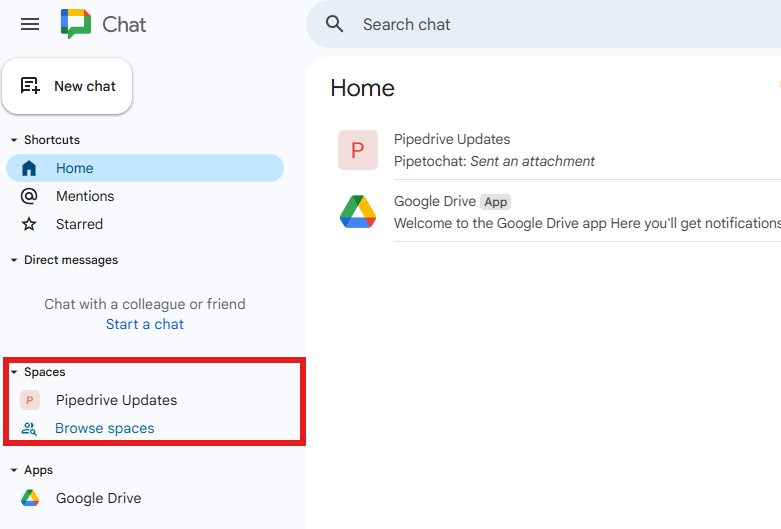
Click the correct Chat space on the left-hand side (or create a new space then click it)
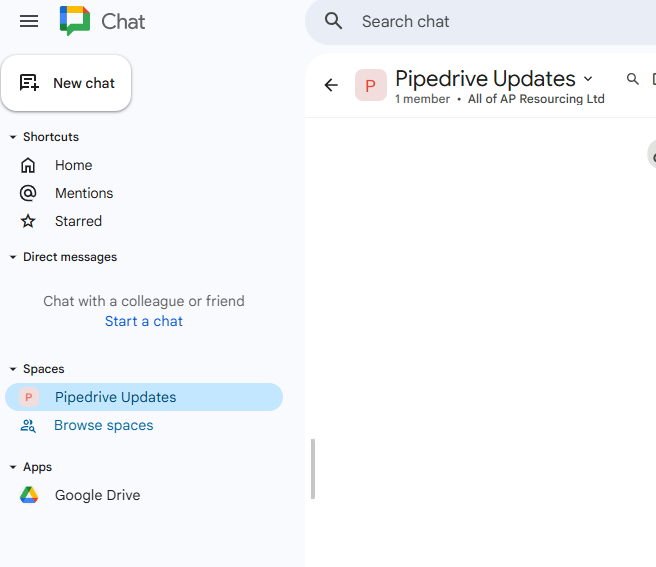
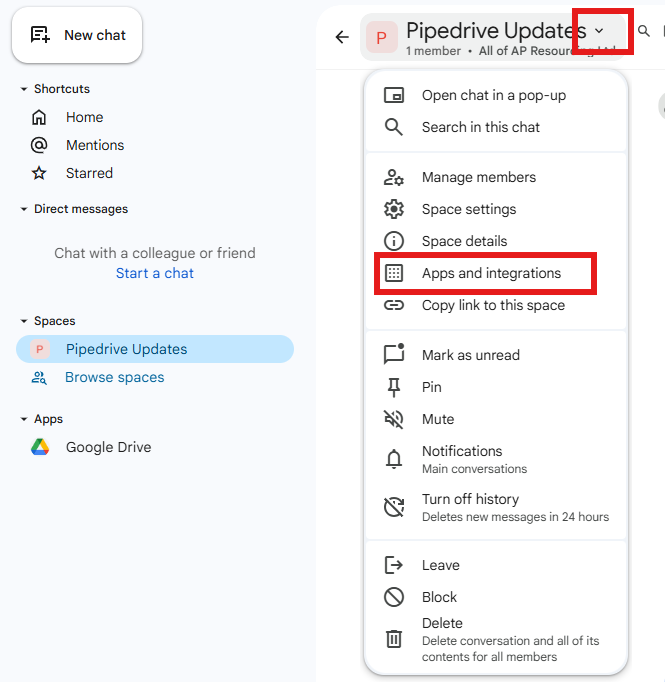
Click the down arror next to the space name, then "Apps and integrations"
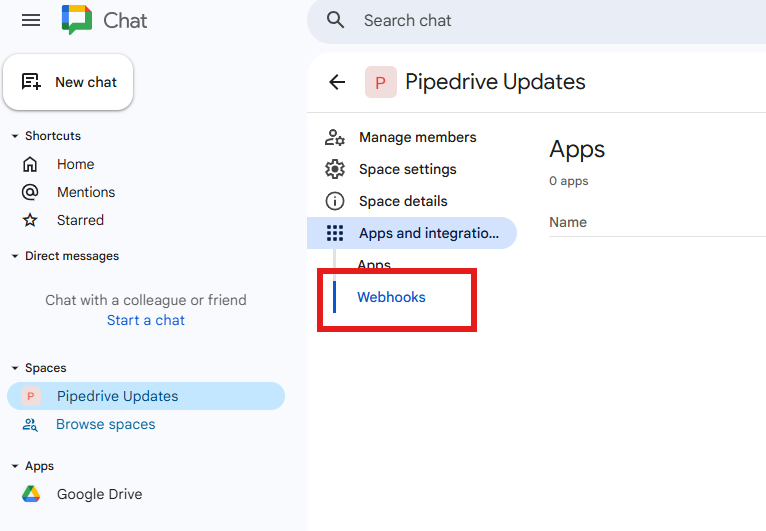
Click "Webhooks"
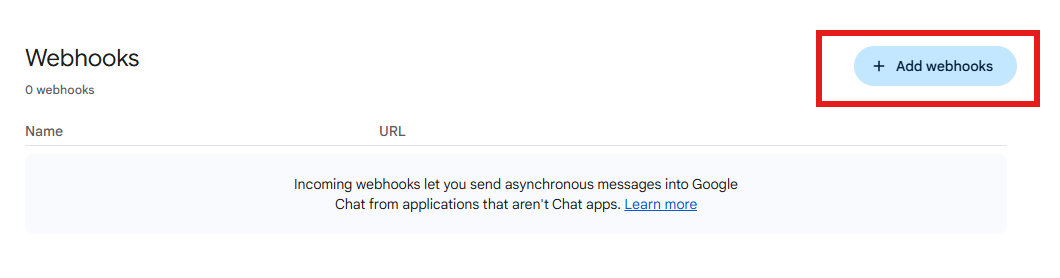
At the bottom of the page, click "Add webhooks"
Enter a name for the webhook.
This can be anything you want - it makes no difference to the PipeToChat service.
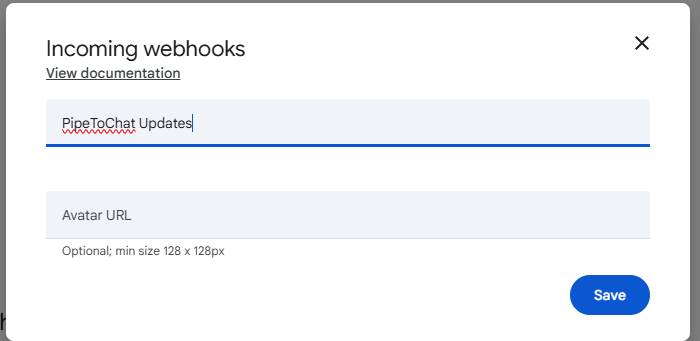
Press save to create the webhook
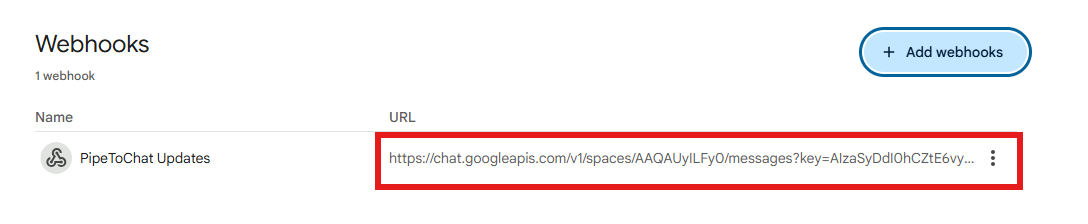
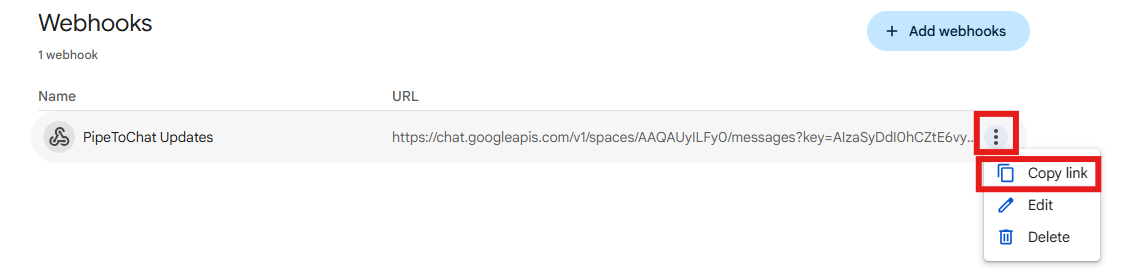
Click the three dots, and copy link
This is the URL that you can paste into the PipeToChat settings when asked.
Was this article helpful?
That’s Great!
Thank you for your feedback
Sorry! We couldn't be helpful
Thank you for your feedback
Feedback sent
We appreciate your effort and will try to fix the article